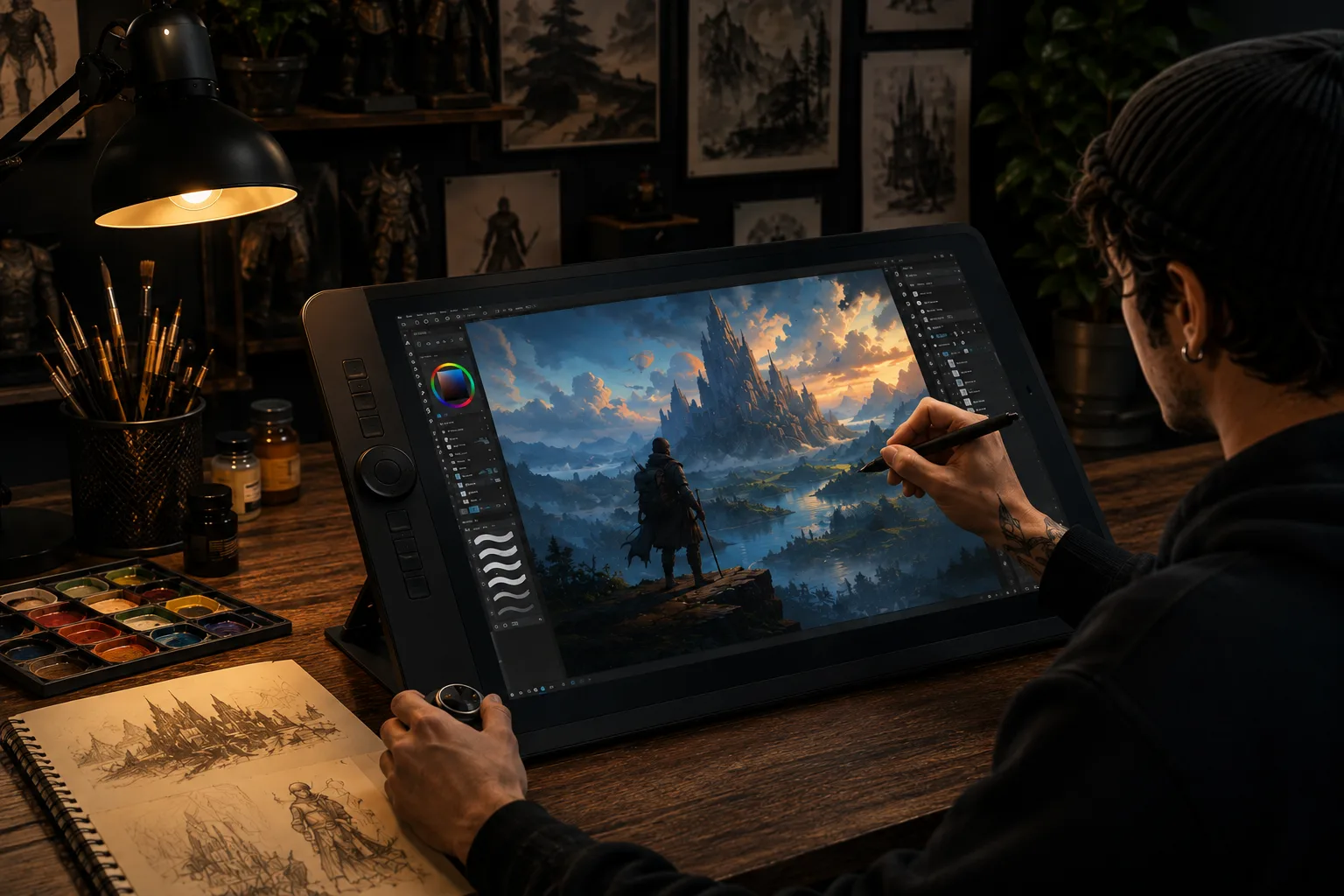
Digital artwork is any piece of art created or manipulated using digital tools — a drawing tablet, an iPad, or specialized software — rather than physical materials like paint, pencil, or clay. If you've seen an illustration made in Procreate, a concept painting for a video game, or a vector logo, you've seen digital artwork. This guide covers what it actually is, the different forms it takes, what you need to start making it, and where beginners typically get stuck.
What Is Digital Artwork, Exactly?
At its core, digital artwork is art that exists as a digital file rather than a physical object. It's made using software on a computer, tablet, or phone, and it can be as simple as a quick sketch in a drawing app or as complex as a fully rendered 3D scene.
The key difference from traditional art isn't really about how it looks — a digital painting can look exactly like a watercolor or an oil painting. It's about how it's made and stored. Digital artwork is created with layers, digital brushes, and undo history instead of physical paint and paper, and it lives as a file — a PSD, a PNG, a .procreate file — rather than a canvas hanging on a wall.
Advertisement
Types of Digital Artwork
"Digital artwork" is an umbrella term that covers a lot of different styles and techniques:
- Digital painting — art made to look like traditional painting, using brush-simulating software
- Vector illustration — clean, scalable artwork built from shapes and paths rather than pixels, common in logos and flat-style illustration
- 3D digital art — art modeled and rendered in three dimensions, used heavily in games, film, and product design
- Pixel art — artwork built pixel-by-pixel, popular in retro-style games and icon design
- Photo manipulation and digital collage — combining and editing photographs into new compositions
- Concept art — illustration used to visually develop characters, environments, or products before production
Most digital artists specialize in one or two of these rather than trying to master all of them at once.
What Do You Actually Need to Create Digital Artwork?
Software
You need an app or program that lets you draw or paint digitally. The two most common starting points are Procreate (iPad-only, one-time purchase, beginner-friendly) and Adobe Photoshop (subscription-based, works across desktop and iPad, the industry standard for professional work). If you're deciding between the two, our full Procreate vs Photoshop comparison breaks down price, brushes, hardware needs, and which one actually fits your workflow.
Hardware
At minimum, you need a device that can run your chosen software and a way to draw with some precision. A finger works in a pinch, but a stylus like an Apple Pencil, or a dedicated drawing tablet, makes a real difference in control and comfort during longer sessions.
Foundational Skills Every Digital Artist Needs
The software doesn't make the art — the same fundamentals that apply to traditional art apply here too. New digital artists tend to improve fastest when they focus on:
- Anatomy and proportion, if you're drawing figures or characters — our complete guide to drawing human anatomy is a good place to start
- Composition, or how elements are arranged within the frame
- Color theory, including value, contrast, and how color affects mood
- Perspective, for anything involving depth or environments
Skipping straight to advanced software techniques without these fundamentals is one of the most common reasons beginners get stuck and stay stuck.
How to Get Started Making Digital Artwork
- Pick one piece of software and commit to learning it instead of bouncing between apps every few weeks
- Start with simple studies — single objects, basic shapes, quick color sketches — rather than jumping straight into full illustrations
- Learn your software's brush and layer system before worrying about developing a "signature style"
- Study fundamentals alongside the software, not after it — anatomy, color, and composition apply no matter what tool you're using
- Finish pieces, even imperfect ones — completing work teaches far more than restarting from scratch repeatedly
What Can You Do With Digital Artwork Once You've Made It?
Unlike a physical painting, digital artwork can be reproduced infinitely at no extra cost, which opens up options traditional artists don't have as easily: print-on-demand products, digital downloads, licensing, and social sharing all start from the same original file. If you're thinking about turning your digital artwork into income, our comparison of Etsy, Redbubble, and Society6 walks through the fees and royalty structures of the most common platforms, and our guide on pricing your artwork covers how to set a number that actually makes sense once those fees are factored in.
Frequently Asked Questions
Is digital artwork considered "real" art? Yes. Digital artwork requires the same understanding of composition, color, anatomy, and design as traditional art. The tools are different, but the skill isn't lesser for being digital.
Do I need an expensive tablet to start making digital artwork? No. Many artists start on a budget tablet, or even a phone, and get real results. Hardware matters far less than consistent practice and a solid grasp of the fundamentals.
What's the difference between "digital art" and "digital artwork"? In practice, the terms are used interchangeably. "Digital art" more often refers to the broader medium or movement, while "digital artwork" typically refers to an individual piece.
Can I sell digital artwork as physical prints? Yes — this is one of the most common paths for digital artists, whether through print-on-demand services or by working directly with a local print shop.
Bottom Line
Digital artwork is simply art made and stored digitally rather than on physical materials, and it covers everything from painterly illustration to 3D rendering to pixel art. The learning curve isn't really about the software — it's the same fundamentals every artist needs, applied to a new set of tools. Pick one program, focus on the basics, and the "digital" part of digital artwork becomes far less intimidating than it looks from the outside.