Last updated: August 2, 2026
When comparing Procreate vs Photoshop for illustration, Procreate is generally the better choice for artists who want a simple, portable drawing experience on an iPad. Photoshop is better for illustrators who need advanced editing, complex file management, professional production tools, and generative AI features.
Quick answer: Choose Procreate for drawing, painting, portability, and a one-time purchase. Choose Photoshop for advanced editing, commercial production, Adobe Creative Cloud integration, and AI-assisted workflows.
Advertisement
Many professional illustrators use both. They sketch and paint in Procreate, export a layered PSD file, and finish typography, compositing, color correction, resizing, or client production in Photoshop.
Procreate vs Photoshop for Illustration: Quick Verdict
- Best for drawing on an iPad: Procreate
- Best for beginners: Procreate
- Best for advanced editing: Photoshop
- Best for professional production: Photoshop
- Best one-time purchase: Procreate
- Best AI-assisted workflow: Photoshop
- Best combined workflow: Procreate for drawing and Photoshop for finishing
Affiliate disclosure: TheArtillerist may earn a commission when you purchase an eligible product through certain links in this article. This does not increase your price or influence our editorial recommendations.
Procreate vs Photoshop at a Glance
| Feature | Procreate | Adobe Photoshop |
|---|---|---|
| Best for | Drawing and painting on an iPad | Illustration, editing, compositing, and production |
| Main platform | iPad | Windows, macOS, web, and mobile |
| Pricing model | One-time purchase | Recurring subscription |
| Stylus | Apple Pencil recommended | Pen tablet or pen display recommended |
| Learning curve | Easier | More advanced |
| Brush customization | Excellent | Excellent |
| Photo editing | Useful but limited | Extensive |
| PSD compatibility | Imports and exports PSD files | Native PSD format |
| Generative AI | No generative AI | Extensive generative AI tools |
| Portability | Excellent | Depends on the device |
| Client production | Good | Excellent |
Prices, product availability, supported devices, and subscription terms can change. Confirm the current details on each manufacturer's official website before purchasing.
What Is Procreate?
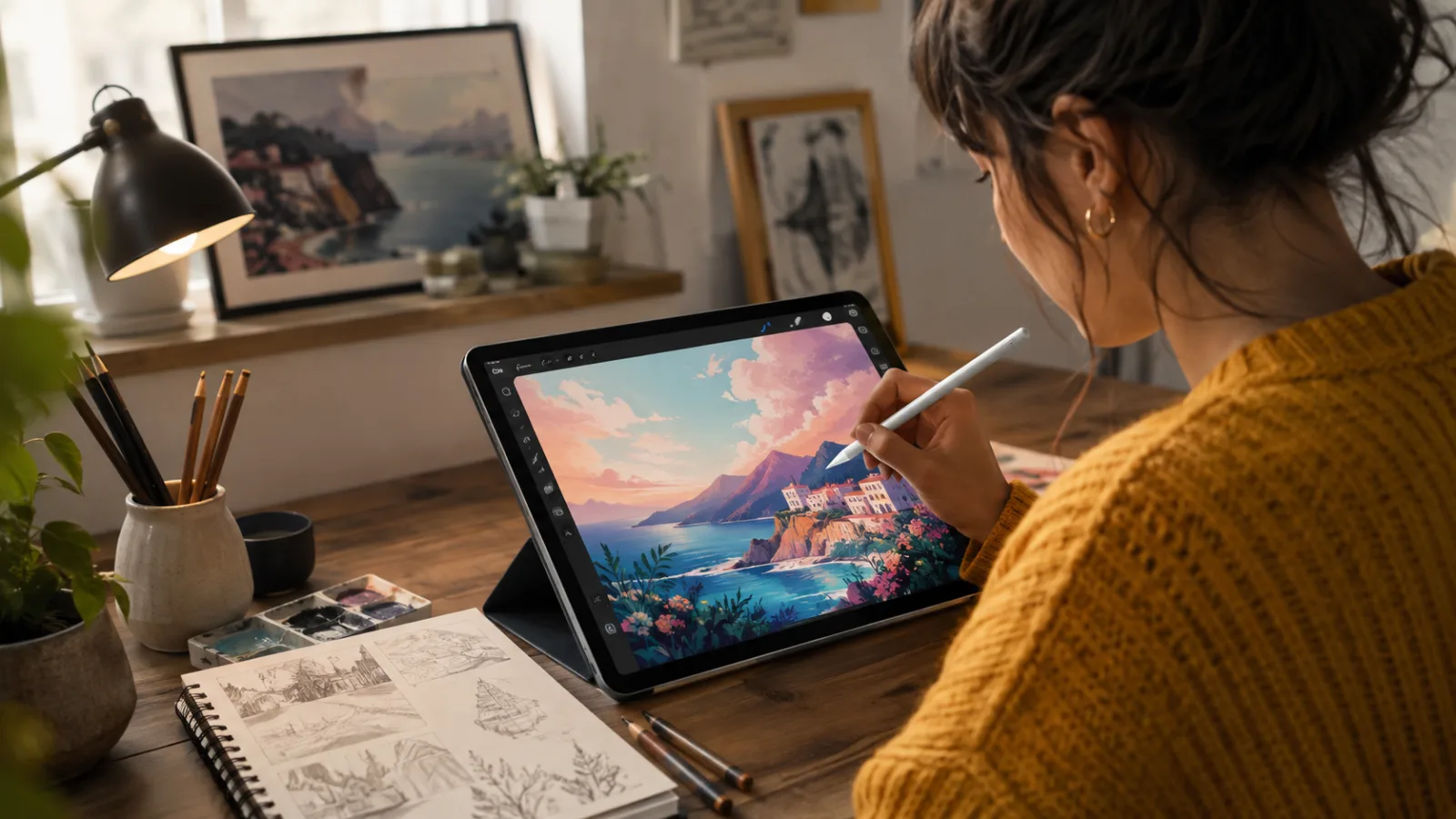
Procreate is a raster drawing and painting application designed specifically for the iPad.
Its interface is built around touch gestures and the Apple Pencil, allowing menus and controls to stay out of the way while you draw. It includes customizable brushes, layer masks, clipping masks, blend modes, drawing guides, perspective tools, text controls, time-lapse recording, animation features, and detailed brush settings.
Procreate is currently offered as a one-time purchase rather than a recurring subscription for the main iPad application. Check its current price through the official Procreate App Store listing.
Procreate is especially popular among:
- Digital painters
- Character designers
- Children's-book illustrators
- Tattoo artists
- Comic artists
- Concept artists
- Editorial illustrators
- Artists who travel or work away from a desk
What Hardware Do You Need for Procreate?
To use Procreate, you need:
- A compatible Apple iPad
- Procreate for iPad
- A compatible Apple Pencil or supported stylus
An Apple Pencil is strongly recommended for pressure-sensitive drawing, but not every Apple Pencil works with every iPad. Apple Pencil Pro, Apple Pencil USB-C, Apple Pencil second generation, and Apple Pencil first generation support different iPad models.
Check Apple's official Apple Pencil compatibility guide before ordering an iPad or Apple Pencil.
Can You Use Procreate on a PC?
No. Procreate is not available as a native Windows PC application. Procreate is designed for Apple's iPad, so Windows users cannot install the standard Procreate app on a PC.
If you're searching for Procreate for PC, the closest solution is to choose a Windows-compatible drawing program instead. For professional illustration, Adobe Photoshop is one of the strongest alternatives because it runs on Windows and supports pressure-sensitive drawing tablets and pen displays.
Is Procreate available for Windows?
No. There is currently no official Procreate version for Windows. The main Procreate application is built for iPad and works particularly well with Apple Pencil.
Artists who want a similar digital drawing setup on a PC can instead use software such as Adobe Photoshop with a drawing tablet or pen display.
Procreate vs Photoshop on PC
If you already own a Windows computer, Photoshop has a major advantage over Procreate: you can run Photoshop directly on your PC.
A typical Windows illustration setup might include:
- A Windows 10 or Windows 11 PC
- Adobe Photoshop
- A pressure-sensitive drawing tablet or pen display
- A color-accurate monitor
This makes Photoshop the more practical choice for artists who want to create digital illustrations without buying an iPad.
For artists deciding between the two platforms, the simplest rule is:
Choose Procreate if you want to draw on an iPad. Choose Photoshop if you want to illustrate on a Windows PC or need a more advanced desktop workflow.
What Is Adobe Photoshop?
Adobe Photoshop is a professional image-editing and creative-production application that also contains an extensive collection of illustration and digital-painting tools.
Photoshop can be used for:
- Digital painting
- Concept art
- Editorial illustration
- Comic coloring
- Matte painting
- Photo compositing
- Texture creation
- Typography
- Print production
- Web graphics
- Social-media artwork
- Client presentation files
Adobe offers Photoshop across desktop, web, and mobile platforms, although desktop Photoshop remains the most complete version for complex illustration and production workflows.
Photoshop is available through a recurring Adobe subscription. Review the current options, regional pricing, and plan terms on Adobe's official Photoshop plans page.
What Hardware Do You Need for Photoshop?
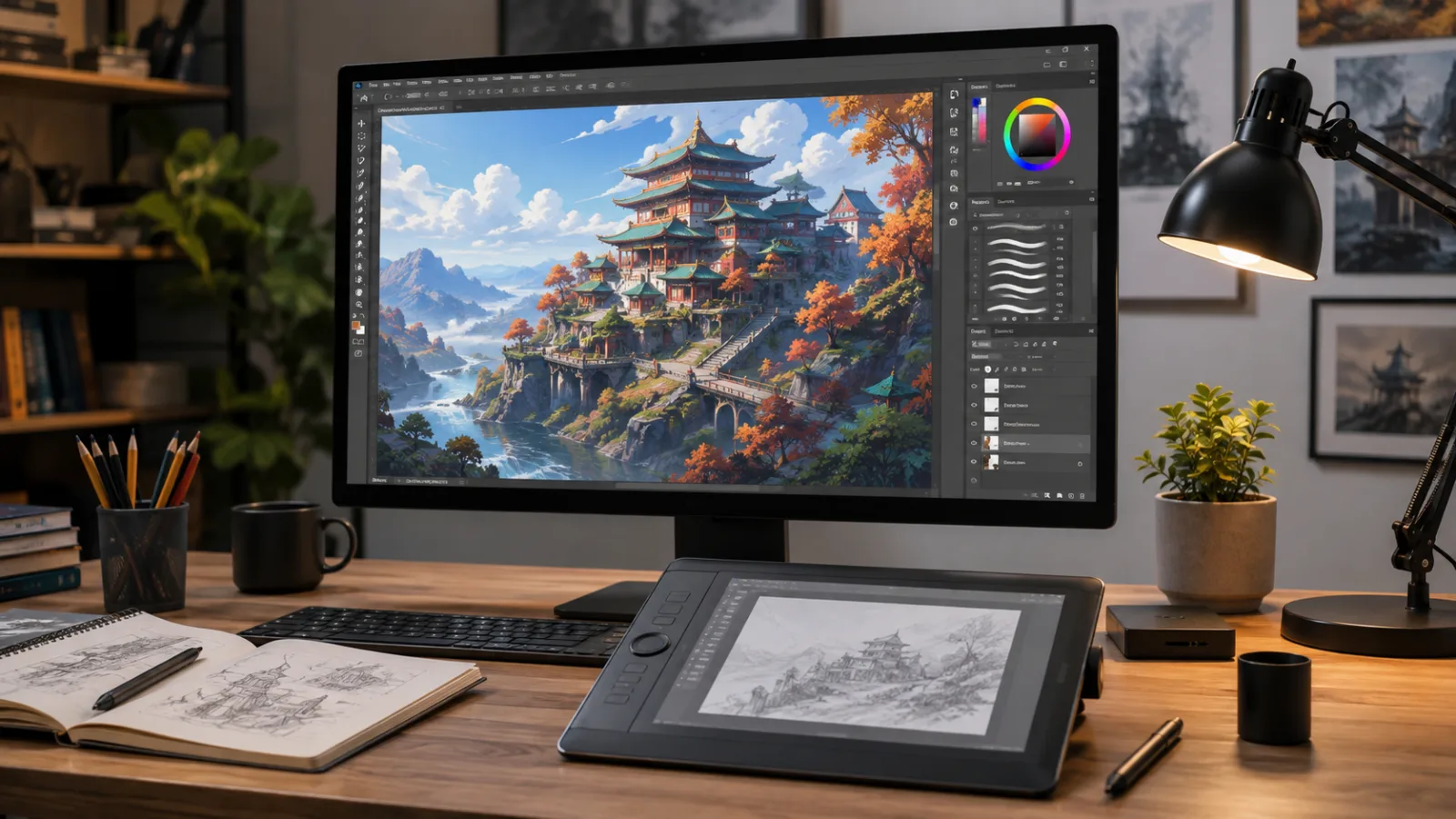
Photoshop can be used with a mouse, but most illustrators will have a better drawing experience with a pressure-sensitive pen tablet or pen display.
Popular hardware options include:
Before purchasing a computer or installing Photoshop, review Adobe's current Photoshop system requirements.
A professional Photoshop illustration setup may include:
- A Windows PC or Mac
- A pressure-sensitive drawing tablet
- A color-accurate monitor
- Sufficient memory for large layered documents
- Fast internal or external storage
- A calibrated display for print work
Which App Has the Better Drawing Experience?
For straightforward sketching, inking, and digital painting, Procreate has the more approachable drawing experience.
The application was designed around the iPad and Apple Pencil. Actions such as undoing, zooming, rotating the canvas, changing brush size, selecting colors, and transforming artwork can be performed with gestures.
This creates a natural workflow that keeps the artist focused on the canvas.
Photoshop also offers pressure-sensitive brushes, custom brush settings, smoothing, symmetry, the Mixer Brush, and support for professional pen tablets. However, its interface includes tools intended for editing, photography, design, compositing, typography, and production in addition to illustration.
That additional power is valuable, but it also creates a steeper learning curve.
Drawing-experience winner: Procreate
Procreate is the better choice when the goal is to begin drawing quickly without configuring a complicated desktop workspace.
Which App Has Better Brushes?
Both applications have excellent brush engines.
Procreate brushes
Procreate includes brushes for:
- Pencils
- Ink
- Paint
- Charcoal
- Textures
- Calligraphy
- Airbrushing
- Abstract effects
- Organic materials
- Special effects
Its Brush Studio provides detailed control over brush shape, grain, stabilization, pressure response, color behavior, spacing, tapering, and rendering.
Procreate can also import many Photoshop ABR brush files. However, an imported brush may not behave exactly as it does in Photoshop because the two applications use different brush engines.
Photoshop brushes
Photoshop supports:
- Preset brushes
- Imported ABR brush packs
- Custom brush tips
- Pressure controls
- Texture settings
- Scattering
- Dual brushes
- Wet-media effects
- The Mixer Brush
- Extensive third-party brush libraries
Photoshop's advantage is its large professional ecosystem. Illustrators can obtain brush libraries from Adobe, independent artists, brush designers, instructors, and creative marketplaces.
Brush winner: Tie
Procreate makes brush customization easier to understand, while Photoshop offers a larger professional brush ecosystem.
Which App Has Better Layer Tools?
Procreate provides the essential layer tools most illustrators need, including:
- Layer groups
- Clipping masks
- Layer masks
- Alpha Lock
- Blend modes
- Reference layers
- Adjustment effects
- Layer opacity
- Layer transformations
The maximum number of layers available in a Procreate document depends on the canvas dimensions and the memory available on the iPad.
Photoshop provides more advanced document-management capabilities, including:
- Smart Objects
- Adjustment layers
- Linked assets
- Layer effects
- Advanced masks
- Channels
- Artboards
- Actions
- Layer comps
- Extensive color-management controls
Layer-management winner: Photoshop
Procreate has enough layer functionality for many professional illustrations, but Photoshop offers greater control over complicated production files.
Can Procreate Open Photoshop Files?
Yes. Procreate can import and export layered PSD files.
Compatible layers, groups, visibility settings, opacity values, layer names, and blend modes may be preserved when moving a document between the two applications.
However, some Photoshop-specific features may be rasterized, flattened, changed, or unsupported when opened in Procreate. These can include certain Smart Objects, advanced layer effects, adjustment layers, editable text, linked assets, and other desktop production features.
Photoshop uses PSD as its native working format, making it the stronger choice when files must be delivered to:
- Clients
- Creative agencies
- Publishers
- Printers
- Designers
- Art directors
- Animation teams
- Other Adobe users
File-workflow winner: Photoshop
Photoshop offers more control over complex professional documents, but Procreate's PSD support makes it practical to move artwork between the two applications.
Procreate vs Photoshop for Illustration: AI Features
Photoshop and Procreate take distinctly different approaches to generative AI.
Adobe's Photoshop documentation describes Generative Fill as a tool that can add, remove, or modify selected image content using text instructions. Learn more through Adobe's official Generative Fill documentation.
Photoshop's AI-assisted tools can help illustrators:
- Remove or replace objects
- Expand a composition
- Generate background content
- Explore visual variations
- Blend inserted elements into an image
- Make complicated selections
- Remove distracting content
- Test alternative layouts
Procreate has publicly stated that it does not plan to introduce generative AI into its products. Its published position emphasizes artist-created work, artist ownership, and user privacy. Read the company's full position on the Procreate AI statement page.
AI-feature winner: Photoshop
Photoshop is the clear choice for illustrators who want generative and AI-assisted editing tools.
Traditional drawing-environment winner: Procreate
Procreate may be preferable for artists who specifically want an illustration application that does not include generative AI.
Which App Is Better for Professional Illustration?
The answer depends on the type of professional work being created.
Procreate is strong for:
- Children's-book illustration
- Character design
- Editorial sketches
- Tattoo concepts
- Comic layouts
- Social-media artwork
- Digital painting
- Storyboarding
- Early concepts
- Thumbnails
- Work created while traveling
Photoshop is strong for:
- Advertising illustration
- Large client projects
- Photo-based illustration
- Matte painting
- Production compositing
- Advanced typography
- Print preparation
- Complex color correction
- Collaborative agency workflows
- Projects using other Adobe applications
Procreate is capable of producing professional artwork from beginning to end. Photoshop becomes more valuable when an illustrator must coordinate with designers, photographers, art directors, publishers, marketers, or production teams.
Professional versatility winner: Photoshop
Photoshop supports a wider range of production requirements, while Procreate remains a powerful professional drawing and painting application.
Which App Costs Less?
Procreate is generally less expensive over time because the main iPad application is sold as a one-time purchase.
You can review its current price on the official Procreate App Store page.
Adobe Photoshop requires an ongoing subscription. Adobe offers different Photoshop and Creative Cloud plans, so the final price depends on the selected package, billing arrangement, region, promotions, and included applications.
Review the latest options through Adobe's official Photoshop plans page.
The complete hardware cost can change the comparison:
- An artist who already owns a compatible iPad may find Procreate extremely affordable.
- An artist who already owns a capable desktop or laptop may only need Photoshop and an entry-level drawing tablet.
- Purchasing an iPad solely to run Procreate creates a higher initial cost.
- Purchasing a professional pen display for Photoshop can also significantly increase the total cost.
Prices, promotions, subscription terms, and available hardware can change. Confirm the final price before completing a purchase.
Software-cost winner: Procreate
Procreate's one-time purchase is more affordable than maintaining a long-term Photoshop subscription.
Should Beginners Choose Procreate or Photoshop?
Most beginners should start with Procreate when they already own a compatible iPad.
Its interface is easier to understand, the initial software cost is low, and the application keeps the focus on drawing rather than technical document setup.
Photoshop may be the better starting point for someone who:
- Plans to work in graphic design
- Plans to work in photography
- Wants a job in a studio or creative agency
- Needs to learn Adobe Creative Cloud
- Does not own an iPad
- Already owns a computer and drawing tablet
- Wants advanced photo-compositing tools
- Needs professional print-production features
Learning Photoshop takes longer, but its skills transfer across a wider range of professional creative work.
Beginner winner: Procreate
Procreate provides the easier introduction to digital illustration.
Is Procreate Better for Drawing on the Go?
Yes. Portability is one of Procreate's biggest advantages.
An iPad and Apple Pencil can function as a complete digital sketchbook without requiring a desk, external monitor, keyboard, or separate drawing tablet.
This makes Procreate useful for:
- Traveling
- Drawing outdoors
- Sketching in coffee shops
- Working during a commute
- Attending life-drawing sessions
- Presenting concepts to clients
- Capturing ideas away from a studio
Photoshop can also be used on portable devices, but a complete desktop Photoshop workflow is generally more dependent on the computer, display, tablet, and workspace.
Portability winner: Procreate
Which App Is Better for Large Illustrations?
Photoshop generally provides the stronger environment for large, complex, high-resolution illustrations.
Its desktop workflow is better suited for:
- Large layered files
- Multiple linked assets
- Complex masks
- High-resolution print projects
- Advanced color management
- Multiple artboards
- Client revisions
- Automated production tasks
Procreate can also create high-resolution artwork, but the available canvas dimensions and layer count depend on the specific iPad's memory.
An artist working on posters, packaging, advertising campaigns, large-format prints, or complex entertainment artwork may prefer Photoshop's desktop production capabilities.
Large-project winner: Photoshop
Which App Is Better for Animation?
Procreate includes animation tools that can be used for short frame-by-frame sequences, looping illustrations, GIF-style animations, and simple motion experiments.
Photoshop also includes a timeline and frame-animation tools, but neither application is primarily designed as a complete professional animation platform.
Procreate is often easier for quickly animating hand-drawn illustrations, while Photoshop may be more useful when the animated artwork requires compositing or integration with existing PSD assets.
For advanced animation, artists may eventually need dedicated software such as:
Simple hand-drawn animation winner: Procreate
Can Procreate Replace Photoshop?
Procreate can replace Photoshop for artists whose work primarily consists of drawing and painting.
It may not completely replace Photoshop when a project requires:
- Advanced photo manipulation
- Extensive typography
- Smart Objects
- Complex adjustment layers
- Large production files
- Precise print preparation
- Adobe Creative Cloud integration
- Generative AI features
- Automated actions
- Linked assets
- Repeatable production processes
- Advanced color management
For many independent illustrators, Procreate is enough. For agency, publishing, entertainment, advertising, and commercial-production workflows, Photoshop remains valuable.
Can Photoshop Replace Procreate?
Photoshop can technically handle nearly every traditional digital-painting task performed in Procreate.
However, it does not completely reproduce Procreate's streamlined iPad experience.
Artists who prefer Procreate often value:
- Its minimal interface
- Touch gestures
- Quick access to brushes
- Portability
- Apple Pencil responsiveness
- Built-in time-lapse recording
- Simple document management
- The absence of generative AI
Photoshop offers more features, but more features do not automatically create a better drawing experience for every artist.
Can You Use Procreate and Photoshop Together?
Yes. In many cases, using both applications produces the strongest workflow.
A common process is:
- Sketch the idea in Procreate.
- Develop the linework on the iPad.
- Add base colors and early rendering.
- Export the artwork as a layered PSD file.
- Open the PSD in Photoshop.
- Complete color correction, compositing, typography, resizing, and client delivery.
You can also begin a project in Photoshop and import a compatible PSD into Procreate when you want to continue drawing away from your desk.
This combined workflow gives artists:
- Procreate's natural drawing experience
- Photoshop's production tools
- Better portability
- Advanced finishing controls
- Greater flexibility when working with clients
Procreate vs Photoshop for Illustration: Pros and Cons
Procreate advantages
- Intuitive interface
- Excellent Apple Pencil experience
- One-time purchase
- Portable iPad workflow
- Strong brush customization
- Built-in time-lapse recording
- PSD import and export
- Easier for beginners
- No generative AI
- Fast sketching and painting workflow
Procreate disadvantages
- Requires a compatible iPad
- More limited typography tools
- Fewer advanced photo-editing features
- Layer limits depend on the device
- Less control over complex production files
- No Windows or macOS desktop version
- Smaller professional plugin ecosystem
Photoshop advantages
- Advanced editing and compositing
- Professional layer management
- Native PSD workflow
- Extensive typography tools
- Strong print-production features
- Large brush and plugin ecosystem
- Generative AI tools
- Integration with other Adobe applications
- Better support for complex client projects
- Powerful masks, selections, and color controls
Photoshop disadvantages
- Recurring subscription
- Steeper learning curve
- More complicated interface
- Higher hardware requirements
- Less portable as a full desktop workflow
- May feel excessive for simple drawing projects
Bottom Line: Is Procreate or Photoshop Better for Illustration?
For most artists who want to draw and paint on an iPad, Procreate is the better starting point. It has a focused interface, responsive Apple Pencil controls, strong brush customization, PSD support, and an affordable one-time purchase model.
For illustrators who need advanced editing, typography, compositing, Smart Objects, adjustment layers, generative AI, Adobe integration, or commercial production features, Photoshop is the more capable professional platform.
The final verdict is:
- Choose Procreate for portable drawing, painting, simplicity, and affordability.
- Choose Photoshop for advanced editing, production, collaboration, and AI-assisted tools.
- Use both when you want Procreate's natural drawing experience and Photoshop's professional finishing capabilities.
For many illustrators, the strongest workflow is not Procreate or Photoshop. It is creating the artwork in Procreate and completing the production work in Photoshop.
Learn more about the publication's focus on contemporary creativity and visual culture on the About The Artillerist page.
Frequently Asked Questions
Is Procreate better than Photoshop for illustration?
Procreate is generally better for an intuitive iPad drawing experience. Photoshop is better for advanced editing, compositing, typography, generative tools, and professional production.
Is Procreate a one-time purchase?
Yes. The main Procreate iPad application is currently sold as a one-time App Store purchase rather than a recurring subscription.
Do professional illustrators use Procreate?
Yes. Procreate can be used for professional sketching, painting, editorial art, character design, comics, concept development, tattoo design, and finished illustration.
Does Procreate open Photoshop files?
Yes. Procreate can import and export PSD files while preserving many compatible layers, groups, opacity settings, visibility settings, and blend modes.
Can Photoshop be used on an iPad?
Yes. Adobe offers Photoshop experiences across desktop, web, and mobile devices. Available tools and capabilities can differ depending on the platform and subscription.
Does Procreate include generative AI?
No. Procreate has publicly stated that it does not plan to introduce generative AI into its applications.
Do you need an Apple Pencil for Procreate?
An Apple Pencil is not strictly required, but it provides pressure sensitivity and a much better illustration experience. Confirm that the Pencil model is compatible with your specific iPad before purchasing.
Is Photoshop worth paying for?
Photoshop may be worth the subscription for illustrators who need advanced editing, professional file delivery, Adobe integration, AI-assisted tools, or a broader commercial-production workflow.
Is Procreate available for Windows?
No. Procreate is designed for Apple devices and is not available as a native Windows application.
Is Photoshop harder to learn than Procreate?
Yes, in most cases. Photoshop has a steeper learning curve because it includes tools for illustration, photography, design, typography, compositing, automation, and professional production.
Which app is better for comic artists?
Procreate is excellent for sketching, inking, and painting comic artwork on an iPad. Photoshop may be better for final lettering, advanced color correction, page production, and preparing files for print.
Which app is better for concept art?
Both are strong choices. Procreate is excellent for fast ideation and portable sketching, while Photoshop is better for large production files, photo compositing, texture work, and advanced client revisions.
Which app is better for children's-book illustration?
Procreate is often the easier choice for drawing and painting children's-book artwork. Photoshop may still be needed for typography, page preparation, color correction, and publisher file requirements.
Can Procreate brushes be used in Photoshop?
Procreate brushes cannot always be transferred directly to Photoshop because the applications use different brush engines. Procreate can import many Photoshop ABR brushes, but the reverse workflow may require recreating or exporting brush assets.
Can you make print-quality artwork in Procreate?
Yes. Procreate can create print-quality artwork when the canvas dimensions, resolution, color settings, and final export format meet the printer's requirements. Large projects may have fewer available layers.
Which application is better without an internet connection?
Procreate works well as an offline drawing application after it has been installed. Desktop Photoshop can also perform many tasks offline, although subscription verification, cloud features, updates, and generative services may require an internet connection.
What is the best overall choice?
Procreate is the best overall choice for straightforward iPad illustration. Photoshop is the best overall choice for professional versatility. Artists who use both can combine Procreate's drawing experience with Photoshop's production capabilities.