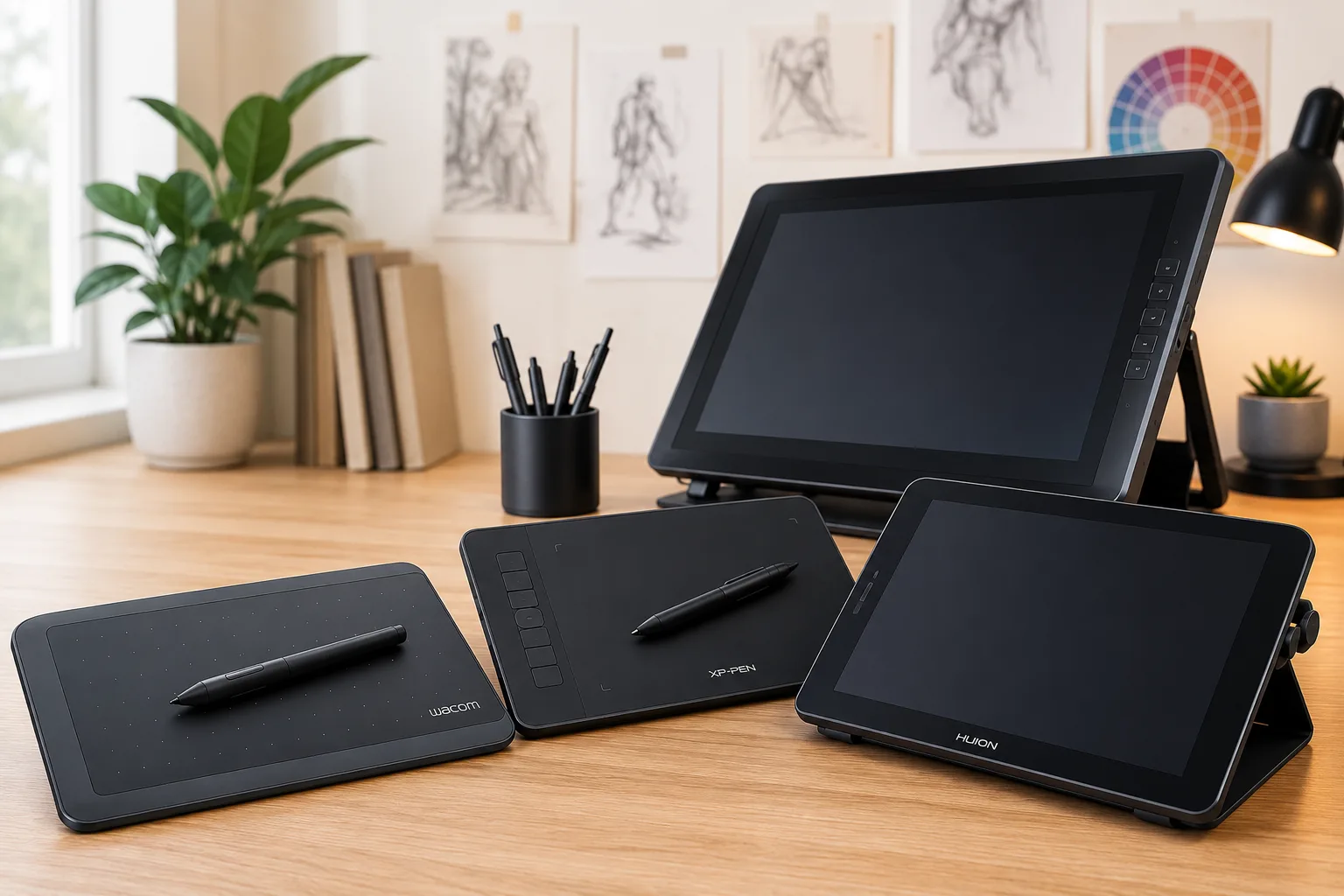
Looking for the best drawing tablets for beginners? We compared the top beginner drawing tablets from Wacom, Huion, XP-Pen, and Xencelabs to help you find the right tablet for your budget, experience level, and creative goals.
In this guide, you'll learn how we selected each tablet, the differences between screen and screenless drawing tablets, and which models offer the best value for beginners in 2026.
Best Drawing Tablets for Beginners: Quick Recommendations
Best Overall: Wacom Intuos Medium
Advertisement
Best Budget: XP-Pen Deco 01 V3
Best Display Tablet: Huion Kamvas 13
Best Value: XP-Pen Artist Pro 16
Professional Choice: Wacom Cintiq Pro 27
How We Chose These Tablets
Rather than simply comparing specifications, we evaluated each tablet based on the factors that matter most to artists:
- Drawing experience
- Pen accuracy
- Driver stability
- Software compatibility
- Build quality
- Long-term reliability
- Overall value
These recommendations are based on extensive reviews, artist feedback, long-term reliability, and manufacturer documentation.
Rather than relying solely on technical specifications, we considered real-world drawing performance, professional reviews, long-term customer feedback, driver stability, software compatibility, and overall value. These are the factors that most directly affect the experience of someone purchasing their first drawing tablet.
Our recommendations are informed by manufacturer documentation, experienced digital artists, independent product reviews, and long-term user feedback from illustrators using applications such as Photoshop, Clip Studio Paint, Krita, Blender, and Adobe Fresco.
1. Wacom Intuos Medium — Best Overall
The Wacom Intuos Medium continues to be one of the best drawing tablets for beginners because it delivers an exceptional balance of reliability, drawing performance, and long-term value.
Its pressure-sensitive pen feels natural, the drivers are extremely stable, and Wacom's reputation for durability is well deserved. Although it doesn't include a built-in display, countless professional illustrators learned digital art on an Intuos before upgrading to larger pen displays.
Pros
- Excellent pen accuracy
- Reliable drivers
- Lightweight
- Long lifespan
Cons
- No built-in screen
- Higher price than some competitors
Recommended for: Beginners who want a drawing tablet that can grow with their skills.
2. XP-Pen Deco 01 V3 — Best Budget
If you're shopping on a tighter budget, the XP-Pen Deco 01 V3 offers one of the best values available.
The drawing area is generous, pen performance is impressive, and compatibility with Photoshop, Clip Studio Paint, Krita, and many other creative applications makes it an easy recommendation for new artists.
Pros
- Excellent value
- Large active drawing area
- Great pen performance
Cons
- Drivers occasionally require updates
3. Huion Kamvas 13 — Best Display Tablet
Many beginners dream of drawing directly on the screen. The Huion Kamvas 13 makes that possible without requiring a premium budget.
Its laminated display minimizes parallax, producing a drawing experience that feels surprisingly close to much more expensive professional pen displays.
Pros
- Beautiful laminated display
- Portable
- Excellent color accuracy
Cons
- Requires more desk space
- Additional cables
4. XP-Pen Artist Pro 16 — Best Value
The Artist Pro 16 strikes an excellent balance between affordability and professional features.
Its larger display provides a comfortable drawing experience during longer illustration sessions while offering plenty of workspace for Photoshop, Clip Studio Paint, Adobe Fresco, and other creative applications.
5. Wacom Cintiq Pro 27 — Professional Choice
If budget isn't a concern, the Wacom Cintiq Pro 27 represents the gold standard for professional digital artists.
Its outstanding color accuracy, premium construction, and industry-leading pen technology make it one of the finest drawing displays available today.
If you'd like to learn more, read our complete review:
Related Article: Why the Wacom Cintiq Pro 27 Is the Dream Display for Professional Digital Artists
Screen Tablet vs. Screenless Tablet
One of the biggest misconceptions among beginners is that a screen tablet automatically makes someone a better artist.
It doesn't.
Screen tablets feel more natural because you're drawing directly on your artwork, but screenless tablets still offer several important advantages:
- Lower cost
- Greater portability
- Better ergonomics
- Excellent long-term durability
Many professional illustrators spend years using screenless tablets before purchasing a display tablet because they remain reliable, portable, and comfortable for long drawing sessions.
Affiliate Disclosure: This article contains affiliate links. If you purchase through one of these links, we may earn a small commission at no additional cost to you. Our recommendations are based on research, artist feedback, and product quality—not affiliate commissions.
What Should Beginners Look for in a Drawing Tablet?
Choosing your first drawing tablet can feel confusing because manufacturers often advertise features that sound impressive but have little impact on your daily experience.
Before buying, consider:
- Drawing area: A medium-sized active area provides an excellent balance between comfort and desk space.
- Pen technology: Look for a battery-free pen with natural pressure sensitivity and tilt support.
- Driver reliability: Stable drivers are just as important as hardware because they affect your daily workflow.
- Software compatibility: Ensure the tablet works with Photoshop, Clip Studio Paint, Krita, Blender, Adobe Fresco, and any other applications you plan to use.
- Long-term value: A quality screenless tablet can remain useful for many years, even after upgrading to a display tablet.
Frequently Asked Questions
Should beginners buy Wacom?
Wacom remains the industry standard for reliability, driver stability, and long-term support. However, Huion and XP-Pen have become outstanding alternatives that often provide excellent value for beginners.
How much should I spend on my first drawing tablet?
For most beginners, spending between $80 and $300 provides the best balance between affordability, quality, and long-term usability.
Do I need Photoshop?
No.
Excellent alternatives include:
- Krita
- Clip Studio Paint
- Adobe Fresco
- Rebelle
- GIMP
Many of these applications cost significantly less than Photoshop while providing professional-quality creative tools.
Are drawing tablets worth it?
Absolutely.
A quality drawing tablet can last for many years and opens the door to illustration, animation, comics, concept art, graphic design, 3D sculpting, and digital painting.
Why Trust The Artillerist?
At The Artillerist, we evaluate creative hardware with a focus on real-world usability rather than marketing claims. Our recommendations are based on manufacturer documentation, independent reviews, artist feedback, and long-term reliability so beginners can make informed purchasing decisions with confidence.
Final Verdict
If you're buying your very first drawing tablet, the Wacom Intuos Medium remains our strongest overall recommendation because it combines exceptional reliability, natural pen performance, excellent driver support, and long-term value.
If drawing directly on the screen is your priority, the Huion Kamvas 13 offers one of the best display tablet experiences for beginners.
For artists working with a tighter budget, the XP-Pen Deco 01 V3 delivers outstanding performance while remaining one of the most affordable drawing tablets on the market.
Ultimately, the best drawing tablet for beginners is the one that fits your budget, artistic goals, and workflow. Every tablet on this list is capable of producing professional-quality artwork when paired with consistent practice and dedication.
Related Articles
- Why the Wacom Cintiq Pro 27 Is the Dream Display for Professional Digital Artists
- Photoshop vs. Clip Studio Paint (Coming Soon)
- Best Digital Art Software for Beginners (Coming Soon)
- How to Choose Your First Drawing Tablet (Coming Soon)